Experiences & Home › Movie night
PHILIPS HUE TV SYNC
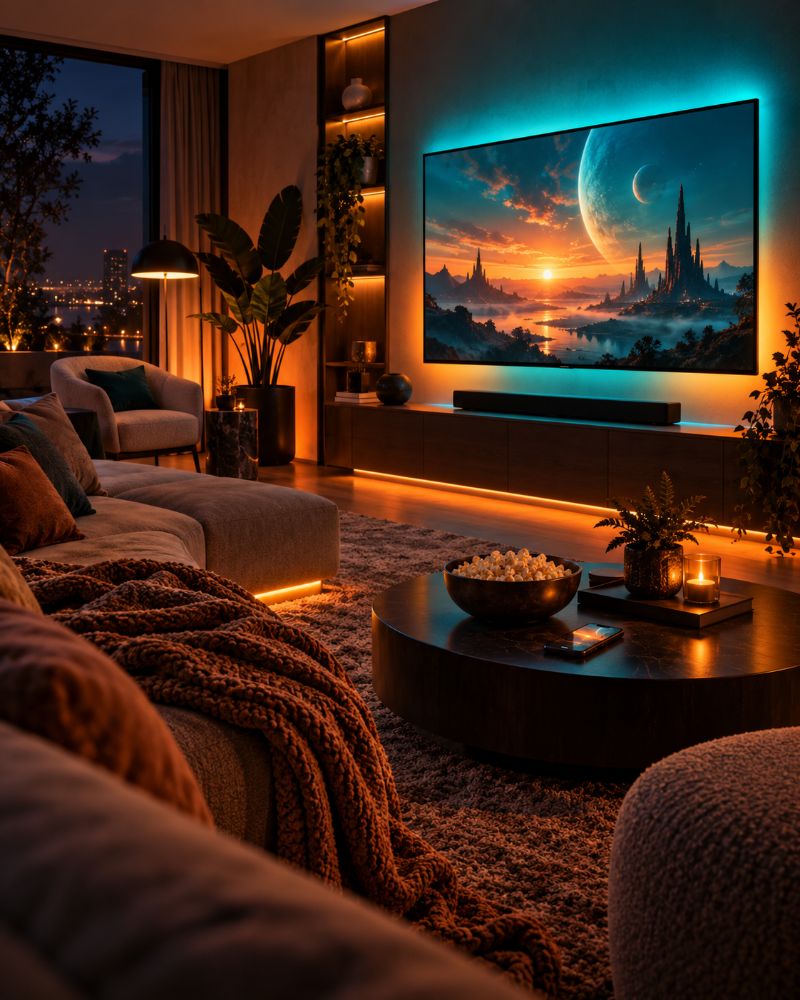
Bring the screen into the room.
Point your phone at the TV and your Hue lights follow the picture. Smoothing, anti-flicker and brightness limits keep it comfortable for a full film, without a sync box.
Uses your phone’s camera. On Android you can also capture the screen directly.
Lights, camera, action
- 1
Prop up your phone
Rest it on the coffee table with the back or front camera facing the TV.
- 2
Choose your room
Pick the room or zone with your TV lights and start Camera sync.
- 3
Tune and relax
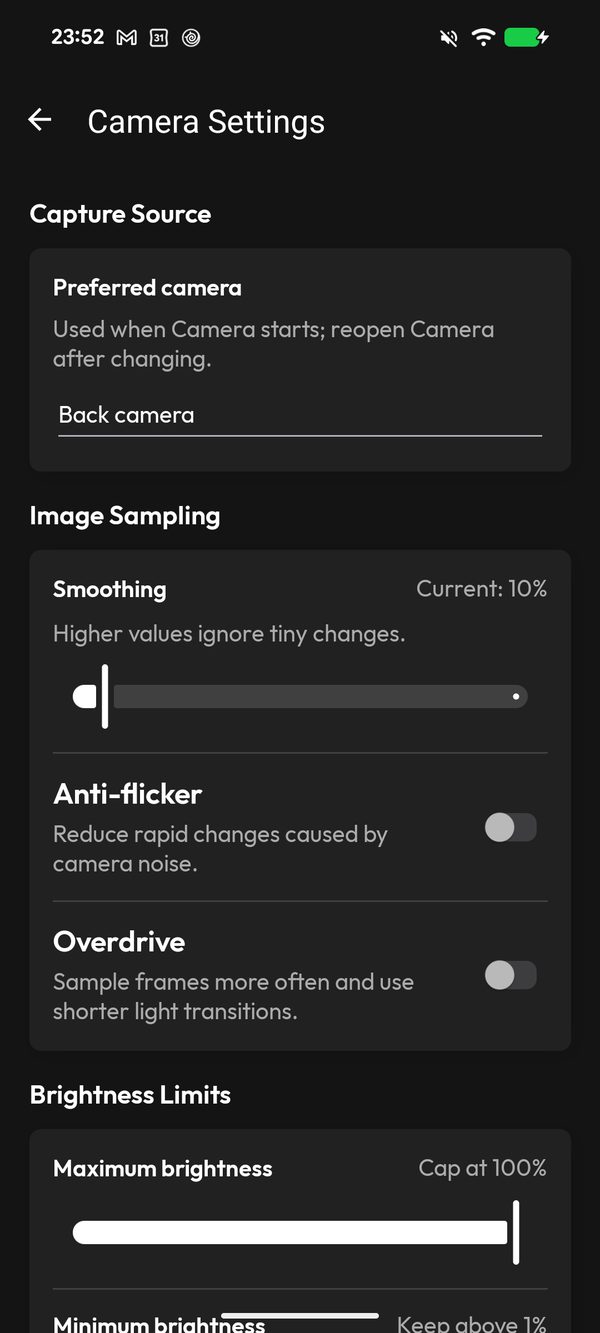
Set smoothing and brightness limits once. hueDynamic remembers them for next time.
COMFORTABLE VIEWING
Smooth, not strobe
Raise smoothing to ignore tiny changes, add anti-flicker to calm camera noise, or switch on Overdrive for faster games and action scenes.
- Smoothing from 0 to 100%
- Anti-flicker and Overdrive
- Maximum and minimum brightness caps
ANDROID SCREEN CAPTURE
Mirror what’s on your phone or tablet
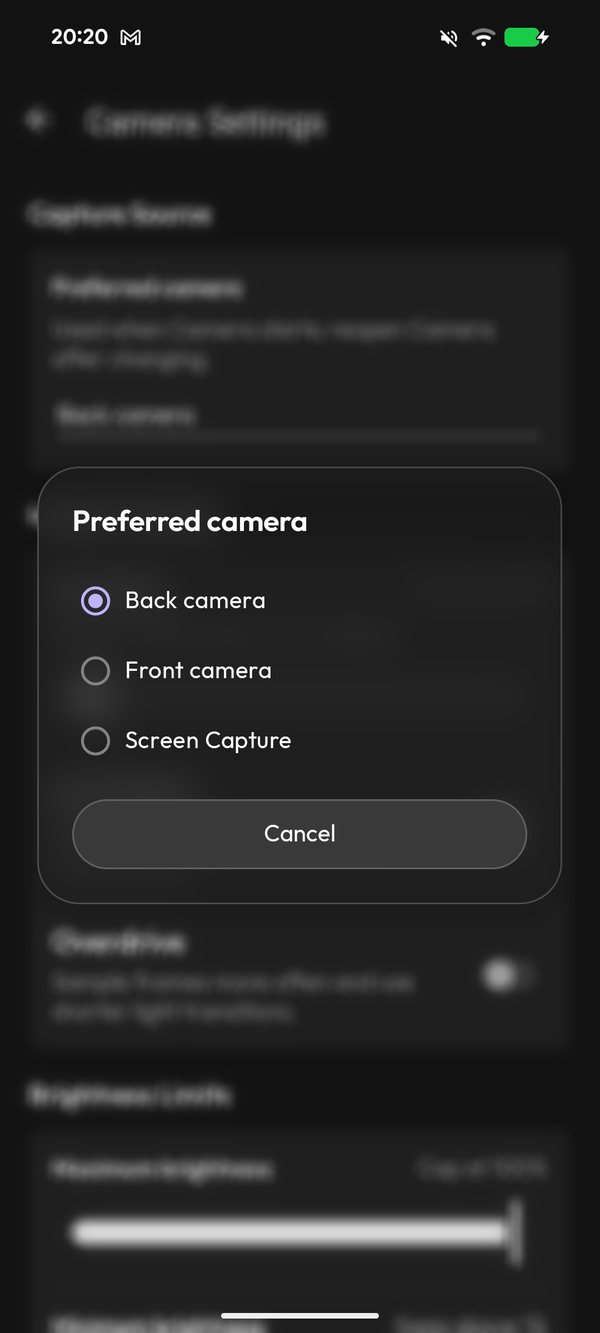
On Android, choose Screen Capture instead of a camera and the lights follow whatever is playing on your device — streaming apps, games or photos.
- Back camera, front camera or screen
- Same smoothing and limits for every source
Questions
Do I need a Hue Sync Box?
No. hueDynamic uses your phone’s camera, so it works with any TV, projector or monitor.
Will it drain my battery?
Camera sync is busy work, so keep the phone on charge for a full film.
Does it work on iPhone?
Yes, with the camera. Screen Capture is currently Android only.
More to explore
LITERALLY EVERYTHING FOR HUE LIGHTS
Make every film feel bigger.
Free to try on iPhone, iPad, Mac and Android. Requires a Philips Hue Bridge.