Experiences & Home › Switches & sensors
PHILIPS HUE SWITCH PROGRAMMING
Make every button do more.
Program Hue Dimmer, Tap, Tap Dial, Smart Button, Lutron Aurora, Niko, RunLessWire and Friends of Hue switches with multi-press actions, scene cycling and brightness steps — and make motion sensors smarter.
Switch programs are saved to your Hue Bridge. Motion-triggered dynamic scenes run on the device running hueDynamic.
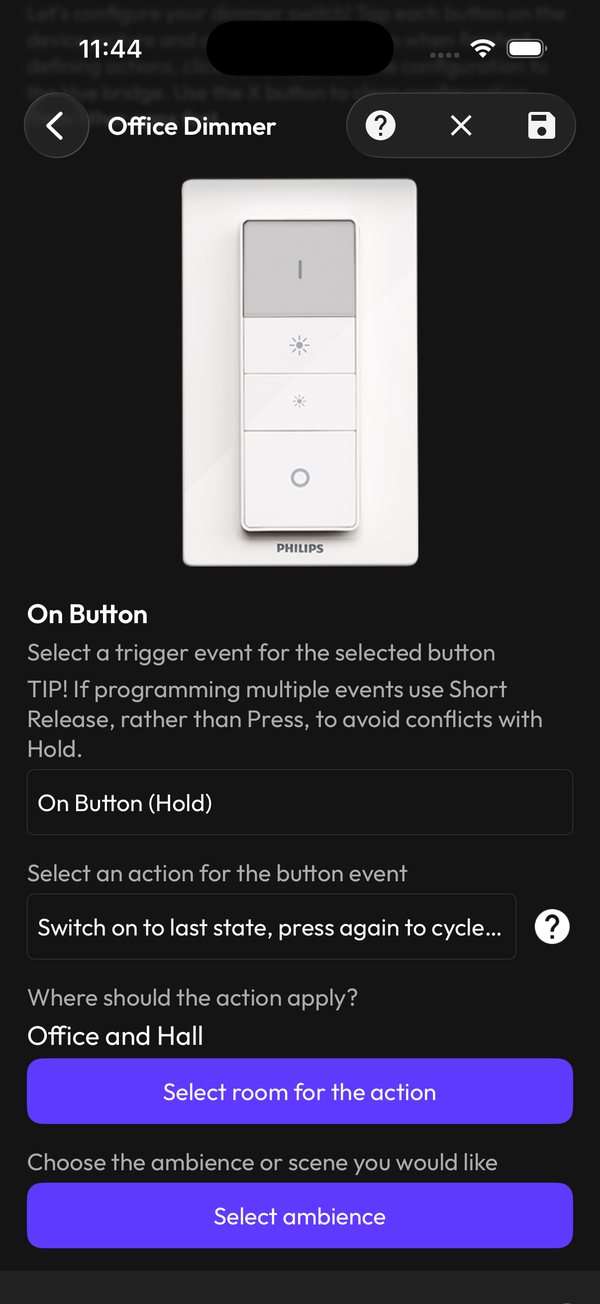
Program a switch in three taps
- 1
Pick the switch
Choose any supported switch on your bridge and tap the button you want to change.
- 2
Choose the trigger
Press, short release or hold — give one button several jobs.
- 3
Choose the action
Cycle scenes, step brightness, start an experience, or target a different room.
MULTI-PRESS
One button, many moods
Press once for your last state, again to cycle through your favourite scenes. Hold to dim the whole floor. Mix rooms so one switch can run the office and the hall.
- Press, short release and hold triggers
- Scene and ambience cycling
- Actions across several rooms
SMARTER SENSORS
Motion that knows what to do
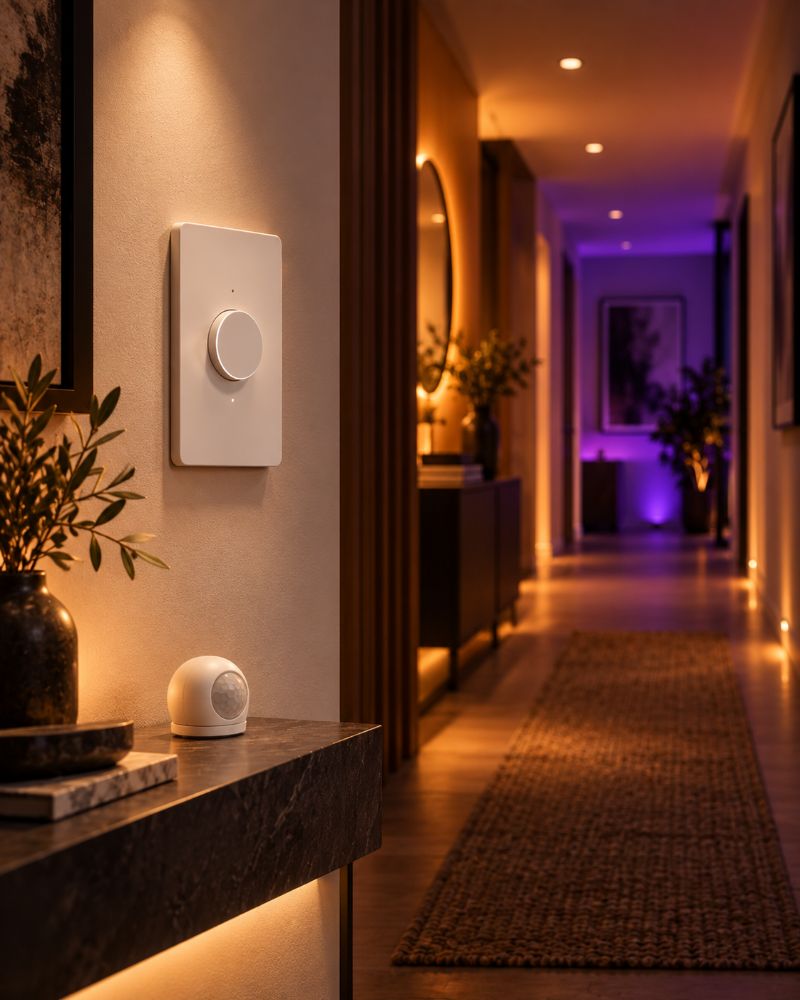
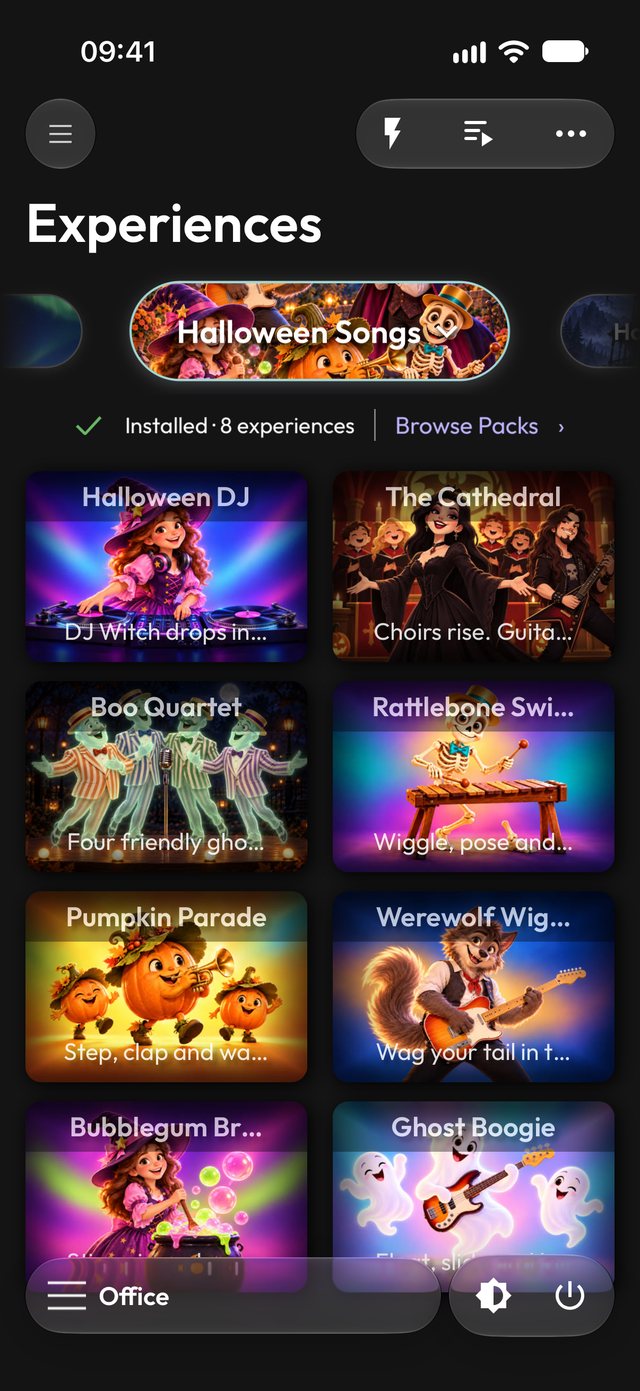
Use Hue motion sensors to start experiences or playlists, or to fire random light-and-sound scares at Halloween as guests walk in.
- Start dynamic scenes and playlists on motion (device running hueDynamic)
- Halloween scares with sound
- Device details for every switch and sensor
Questions
Which switches are supported?
Hue Dimmer, Hue Tap, Tap Dial, Smart Button, Lutron Aurora, Niko, RunLessWire and Friends of Hue switches.
Do I need my phone nearby?
Not for switch buttons, as those programs are saved to your Hue Bridge and run there. But yes for triggering dynamic scenes, experiences and playlists from motion sensors: the effects run on the device, so keep your phone, tablet or Mac nearby with hueDynamic running.
Can I undo changes?
Yes. Back up switch profiles and restore them at any time.
More to explore
LITERALLY EVERYTHING FOR HUE LIGHTS
Your switches, finally smart.
Free to try on iPhone, iPad, Mac and Android. Requires a Philips Hue Bridge.